Download Desktop Wallpaper
Follow the below-listed steps to save the e-calendar as your Desktop Wallpaper:



 1800 123 1117
 CLUB ULTIMATE
 Download PDF e-Calendar
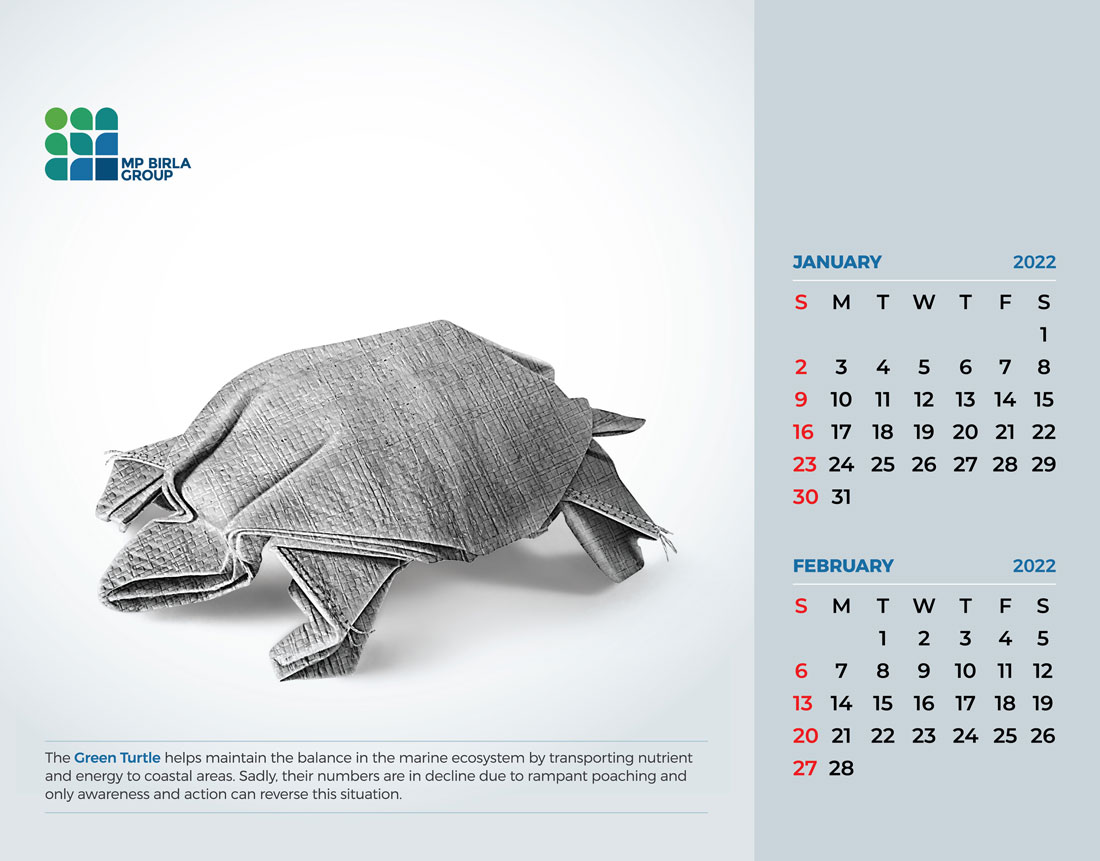 January - February
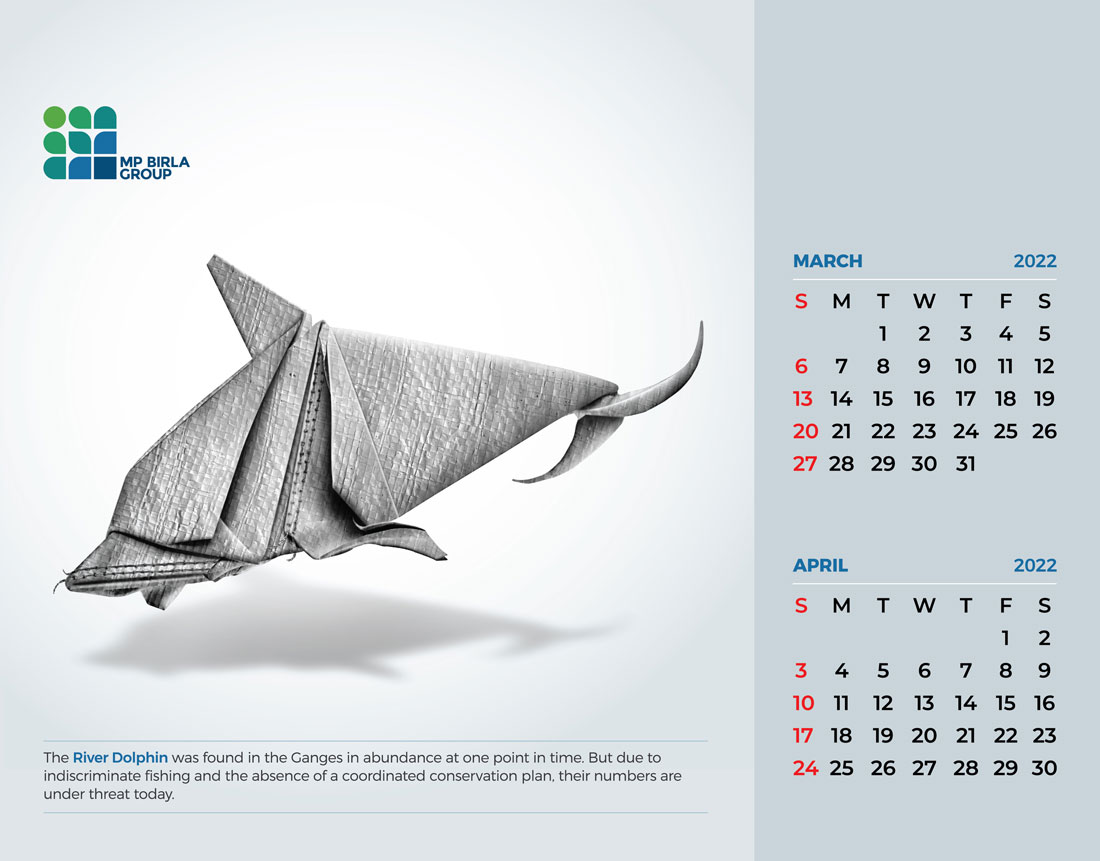 March - April
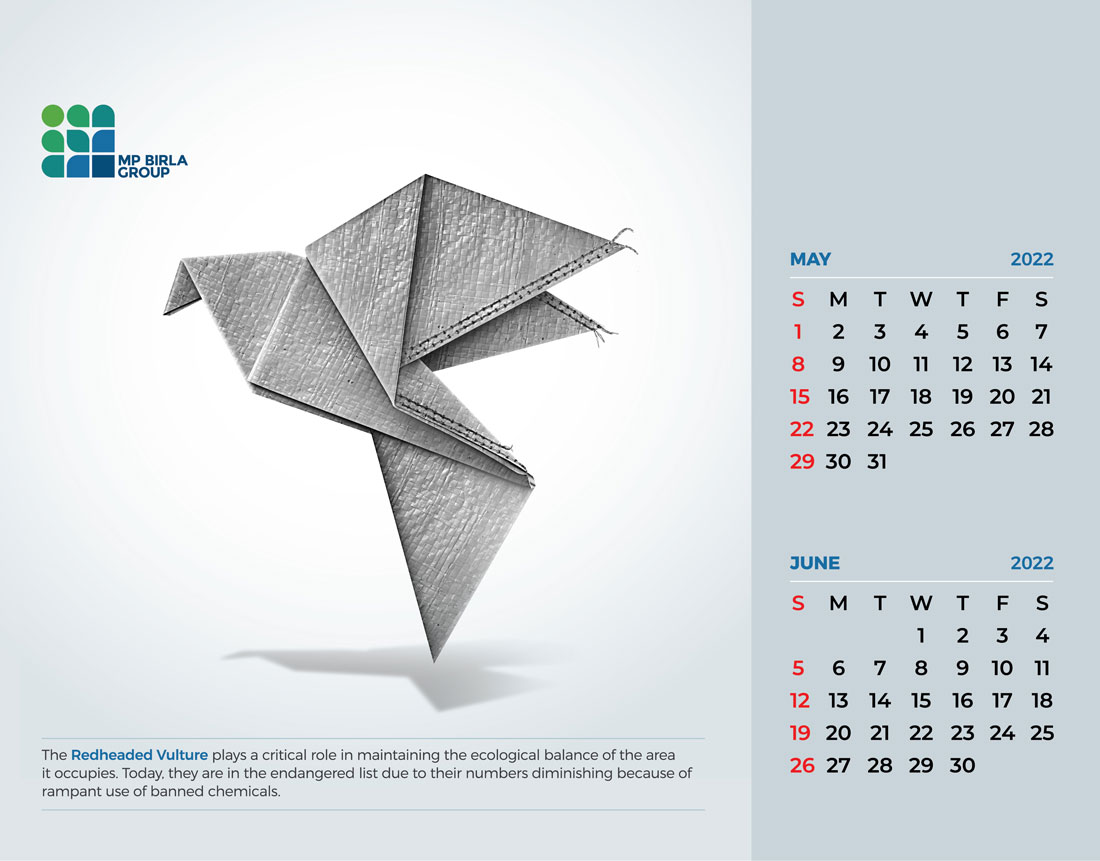 May - June
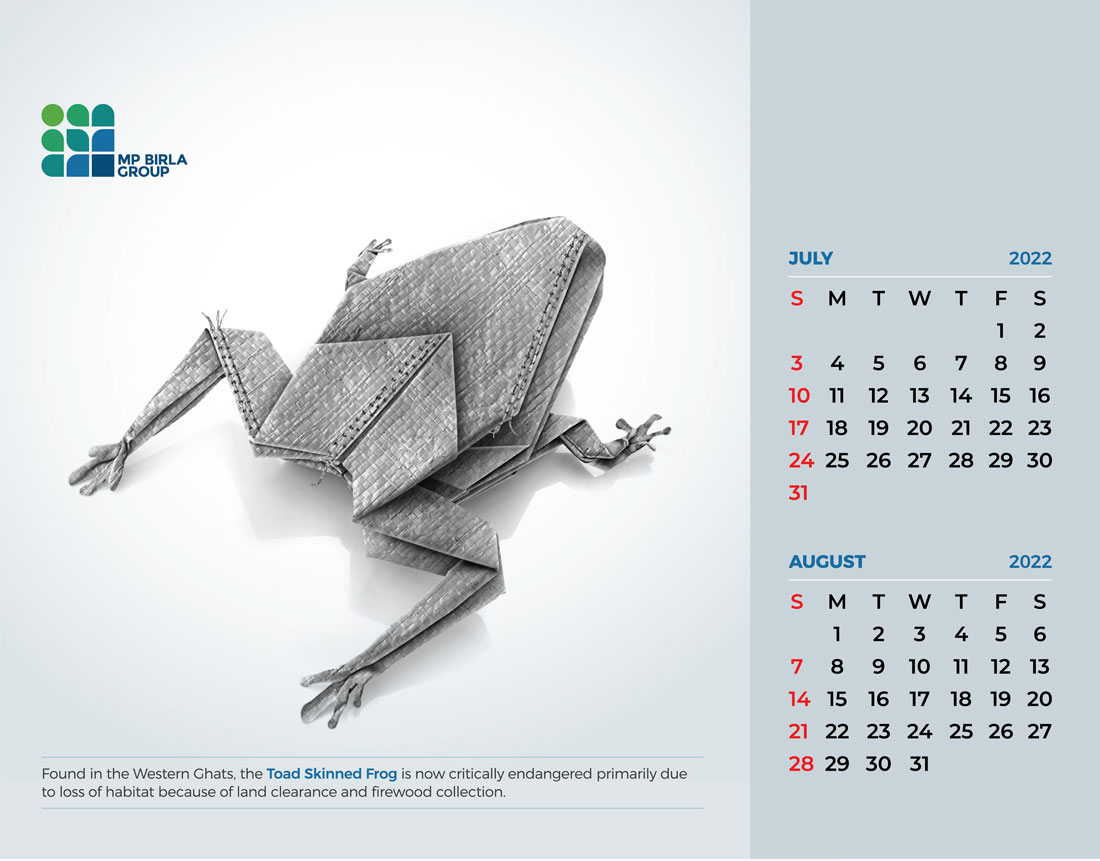 July - August
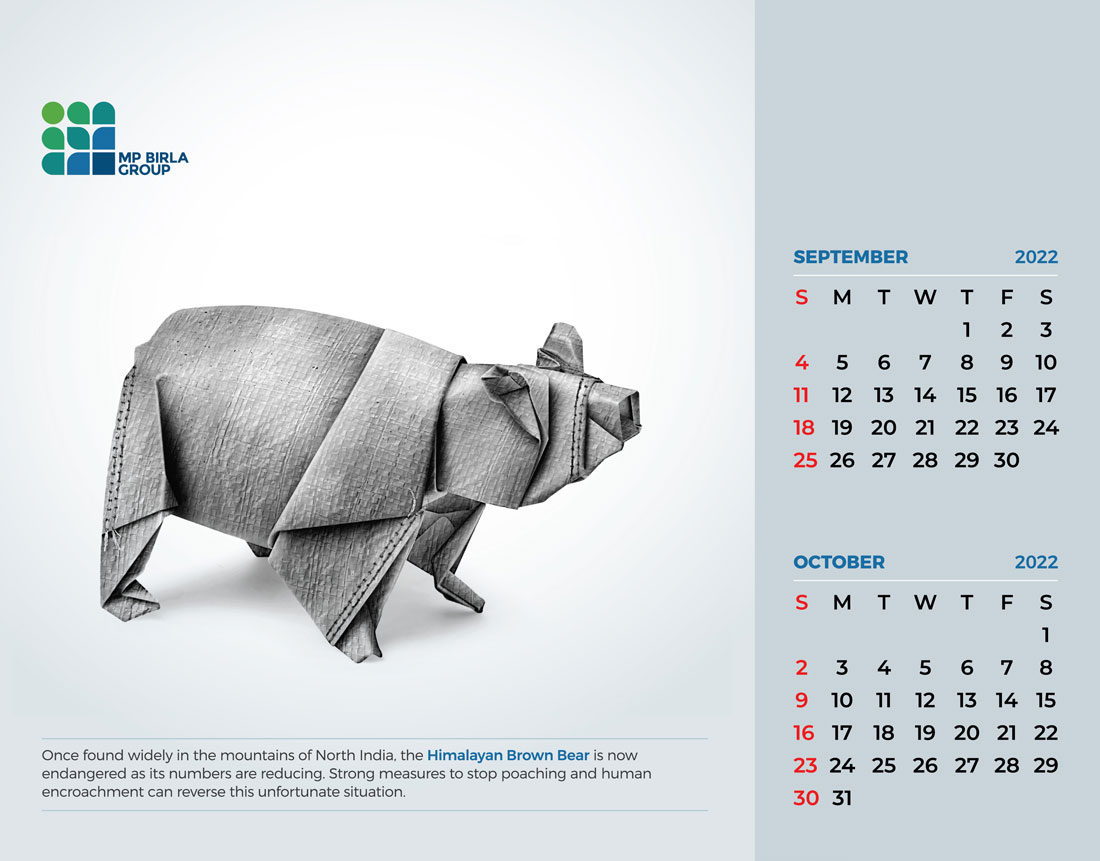 September - October
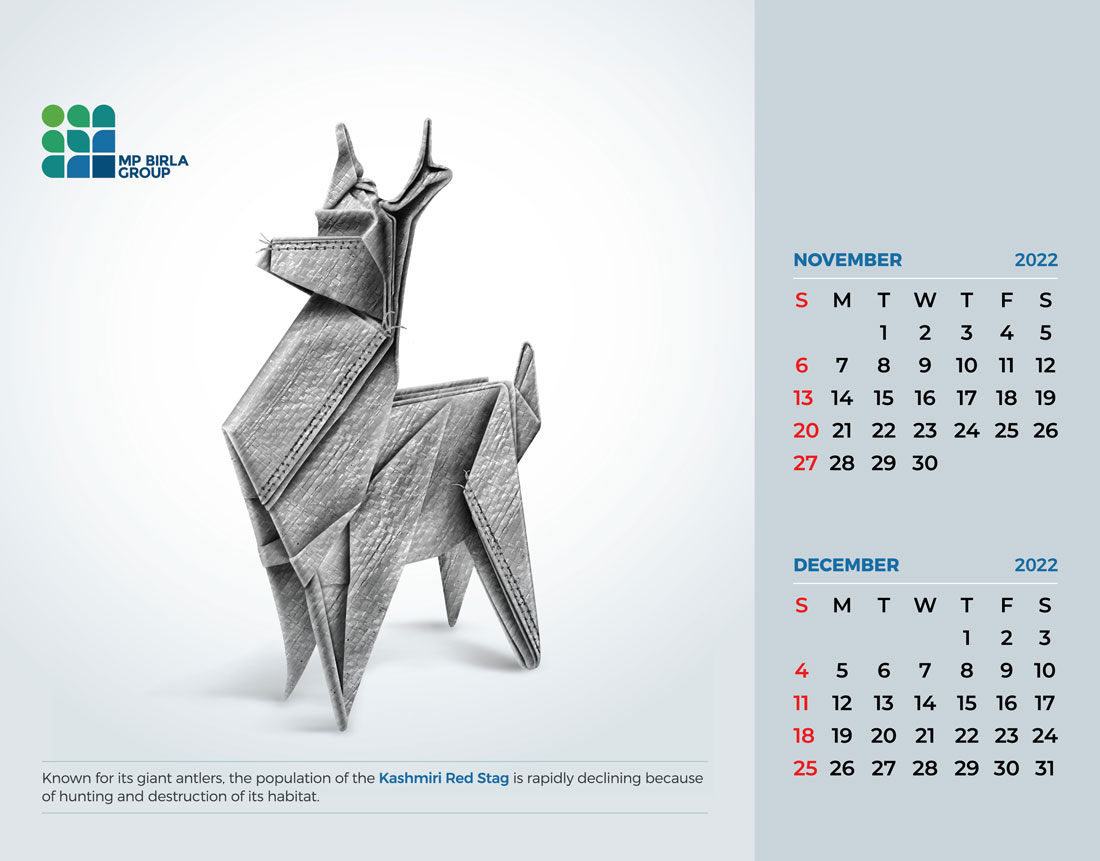 November - December